Original topic illustration: ChainView BTC866 original topic diagram · ChainView BTC866 Editorial · CC BY 4.0
Establish the concept
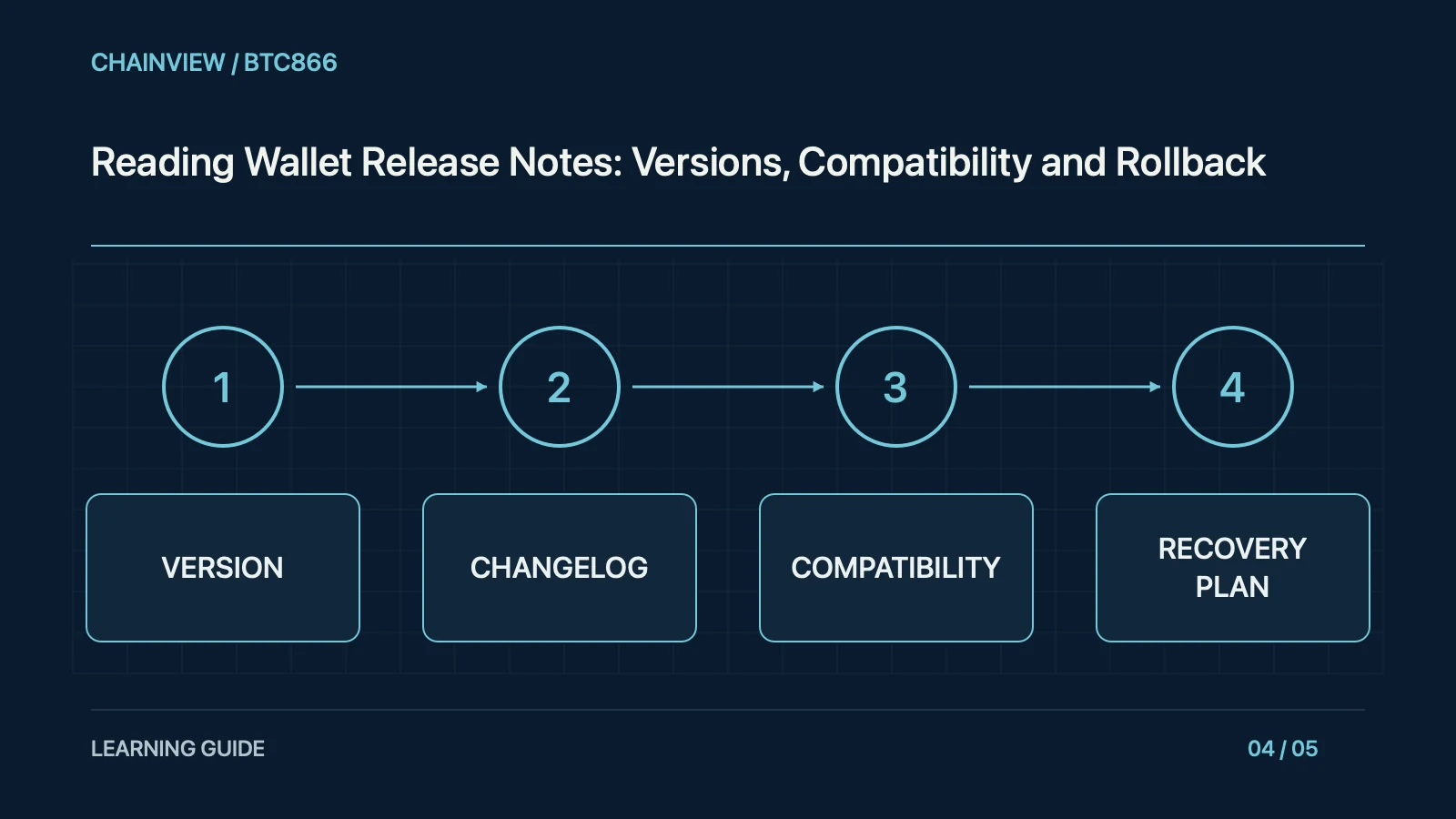
Release notes apply to particular platforms and versions. An upstream repository tag, website installer, and staged app-store rollout can become available at different times. Check the device's installed version, build, operating system, and extension type before deciding whether a notice applies. A website announcing the newest release does not establish that every user has installed it, and instructions for another platform may not fit the local application.
Build a matrix of platform, version, and release date, marking released, staged, and unconfirmed states. App-store caches can show different builds to users in the same region. Screenshots should include build information rather than only an application name. This keeps a version-specific advisory from being applied to a different binary that happens to share branding.
Choose reliable evidence
Read security fixes, features, data migrations, breaking changes, and known issues separately. Verify compatibility with hardware wallets, browsers, operating systems, and plugins. An update can alter account metadata or storage formats that older software cannot safely read. Understand migration prerequisites before installation rather than discovering them afterwards. A familiar interface can conceal a substantial compatibility change, while a large version number does not by itself describe security urgency.
Before migration, confirm that backups include necessary metadata, account labels, and hardware-pairing information. A seed is only one part of a wallet configuration. Missing metadata can produce an empty or unfamiliar display but does not justify giving the seed to a third party to rebuild the account. Separate public configuration from secret recovery material and test restoration through documented procedures.
Check concrete fields
Authenticate downloads through independent official entry points and use supported publisher signatures or checksums to verify integrity. A matching digest still does not establish a trustworthy publisher on its own. Avoid private-message patches and advertised imitation download pages. Updating financial software should not require sending recovery words to support. If a signature or source is unexpected, pause and verify through official channels instead of disabling system protections merely to complete the upgrade quickly.
For checksum verification, use the publisher's specified algorithm and exact file object, and obtain signing keys from an independently trusted location. If the installed app behaves unexpectedly, start with supported versions and official troubleshooting. Do not download a supposed repair script that asks for high-privilege commands or secret material. A correct digest cannot turn an untrusted repair script into a supported fix.
Handle boundary cases
Back up necessary information and metadata through documented supported methods, distinguishing secrets from public configuration. Do not import a seed into an unknown binary to fix a cosmetic problem, and do not downgrade casually after a data migration. A rollback plan needs documented compatibility limits and a verifiable restoration process. Merely retaining an old installer does not show that it can safely read the new data or preserve the account's intended behaviour.
When hardware or browser support is incomplete, use read-only address and balance checks if safe and wait for an official compatible build. Do not enter secrets into an unknown binary to test it. An unsupported rollback can damage migrated data, so seek explicit instructions before reverting. The desire to restore a familiar screen is not evidence that an unverified old installer is safe.
Keep results and versions
After installation, confirm the version, known addresses, balance display, hardware connection, and necessary read-only functions before making an unnecessary large transfer. Preserve before-and-after configuration, errors, and the release-note version. Use official support when behaviour differs. Report download availability, installation, and verified operation as separate states, and follow later revisions. This makes upgrading an evidence-based maintenance process instead of a reflex to trust any page displaying a newer version number.
The maintenance record should state download, installation, verification, and rollback steps and whether any blockchain action occurred. A newer version number does not prove that a particular environment has been verified. Good guidance gives each state evidence and a next action, allowing readers to stop safely when one step fails rather than improvising with an untrusted package or claiming that a cosmetic check proves the whole wallet is sound.