Original topic illustration: ChainView BTC866 original topic diagram · ChainView BTC866 Editorial · CC BY 4.0
Treat the mailbox as a recovery key
Reset links, withdrawal notices and security warnings often depend on email. An inbox takeover can therefore reach an exchange through recovery even without a direct exchange login. Protect it as a high-value account.
A separate mailbox is not automatically secure; credentials, authentication and recovery still decide access. Reused passwords create credential-stuffing risk after unrelated breaches. A password manager helps maintain unique secrets but its own primary account also requires strong protection.
An email inbox often controls crypto-service password resets and withdrawal notices, making mailbox compromise a separate route around exchange login protections.
Inspect persistent access
Review forwarding rules, filters, delegation, connected applications and active sessions. A hidden rule can divert warnings, and an OAuth grant can survive an ordinary login change. The management pages matter as much as the inbox view.
Look for rules marking warnings as read, archiving them or forwarding them elsewhere. Legitimate rules can do the same, so compare creation time and known actions before deleting all workplace automation. Suspicion should lead to verification rather than indiscriminate damage.
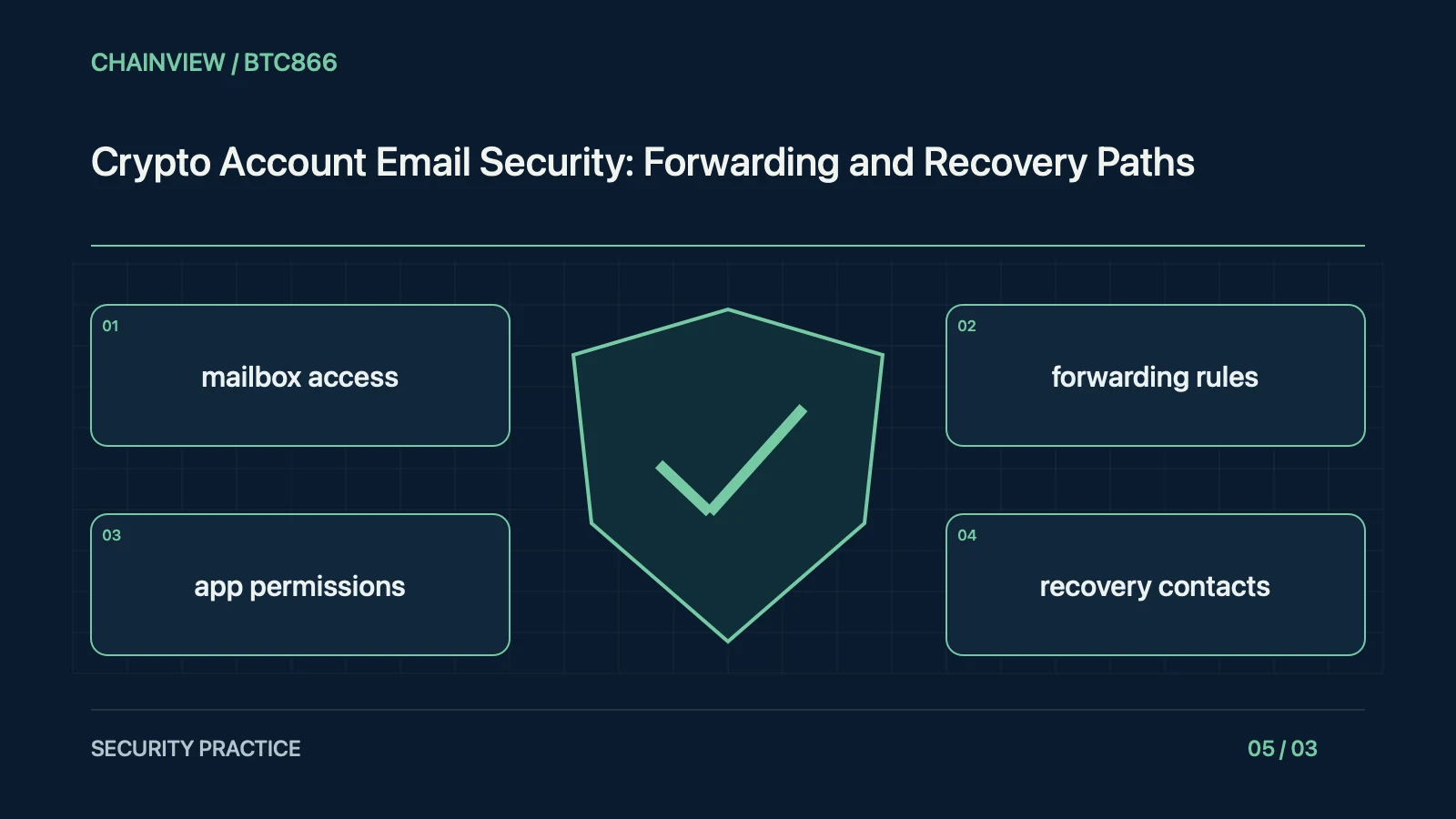
Review forwarding rules, filters, delegated access, connected applications, recovery contacts and active sessions rather than relying only on the visible inbox.
Password change is only one action
Changing a password may not revoke existing sessions, application tokens or replacement recovery contacts. Use the provider's sign-out, revoke and device controls, then confirm recovery details were not changed.
Application grants can permit reading, sending or managing mail. Check business impact before revocation, then remove unused access. Revoking future access does not guarantee deletion of previously copied data; follow the provider's process for any separate privacy or incident concern.
Changing a password may not remove every persistent access mechanism; use the provider's controls to revoke unwanted sessions and application authorisations.
Strengthen recovery as a whole
Use supported phishing-resistant authentication and offline recovery codes with unique credentials. Keep recovery material separately from the everyday mailbox device. A strong login cannot compensate for a weak fallback channel.
A backup mailbox recovered through the primary can create a circular dependency. Draw the recovery path and maintain independent protected material. Storing every code as a photo in one synced gallery can expose them together after a device compromise.
Preserve security notices and update affected service recovery details through verified sites, while using strong unique credentials and supported phishing-resistant authentication.
Preserve evidence during response
From a trusted device and verified address, change settings and save notices, dates and suspicious rules. Avoid unlock links in unsolicited mail. Notify the mailbox provider, platform and relevant authorities separately when asset loss is confirmed.
During response, secure upstream recovery accounts and then dependent services while preserving evidence. Public help requests should exclude identity documents, codes and reset links. Follow local reporting routes for identity theft rather than paying someone promising privileged deletion of records.
When reviewing an unfamiliar connected application, distinguish the application's name from its requested access scopes and publisher. A reassuring label can conceal broad access, while a legitimate automation may have a name the owner does not immediately recognise. Verify before removing essential business functionality, and preserve the relevant record if compromise is suspected. Restoring normal mail delivery should include a test of security notifications from dependent providers, since removing a malicious rule does not automatically establish that every critical alert is reaching the intended person again.
A response card can use mailbox access, forwarding rules, app permissions and recovery contacts as checkpoints for observed symptoms, trusted verification, stop conditions and responsibility. Confirm facts before any action that changes permissions or moves funds. An urgent support message does not justify revealing secrets. Prefer read-only inspection, then document and recheck settings when a real change is necessary. After containment, repair the underlying recovery or access weakness rather than only dismissing the visible warning. Retain evidence without exposing identity material publicly. The aim is a controlled decision that reduces risk, not a hurried series of signatures prompted by fear or a stranger offering assistance.